DNS Chronicles - Part 2

Sahil Dhiman
GNU/Linux Network Engineer
Part 2 of our ongoing series documenting DNS quirks and insights we encounter while running authoritative and recursive name servers at Hopbox.

Part 2 of our ongoing series documenting DNS quirks and insights we encounter while running authoritative and recursive name servers at Hopbox.

Opening a new branch used to be a project. Now it is a Tuesday.
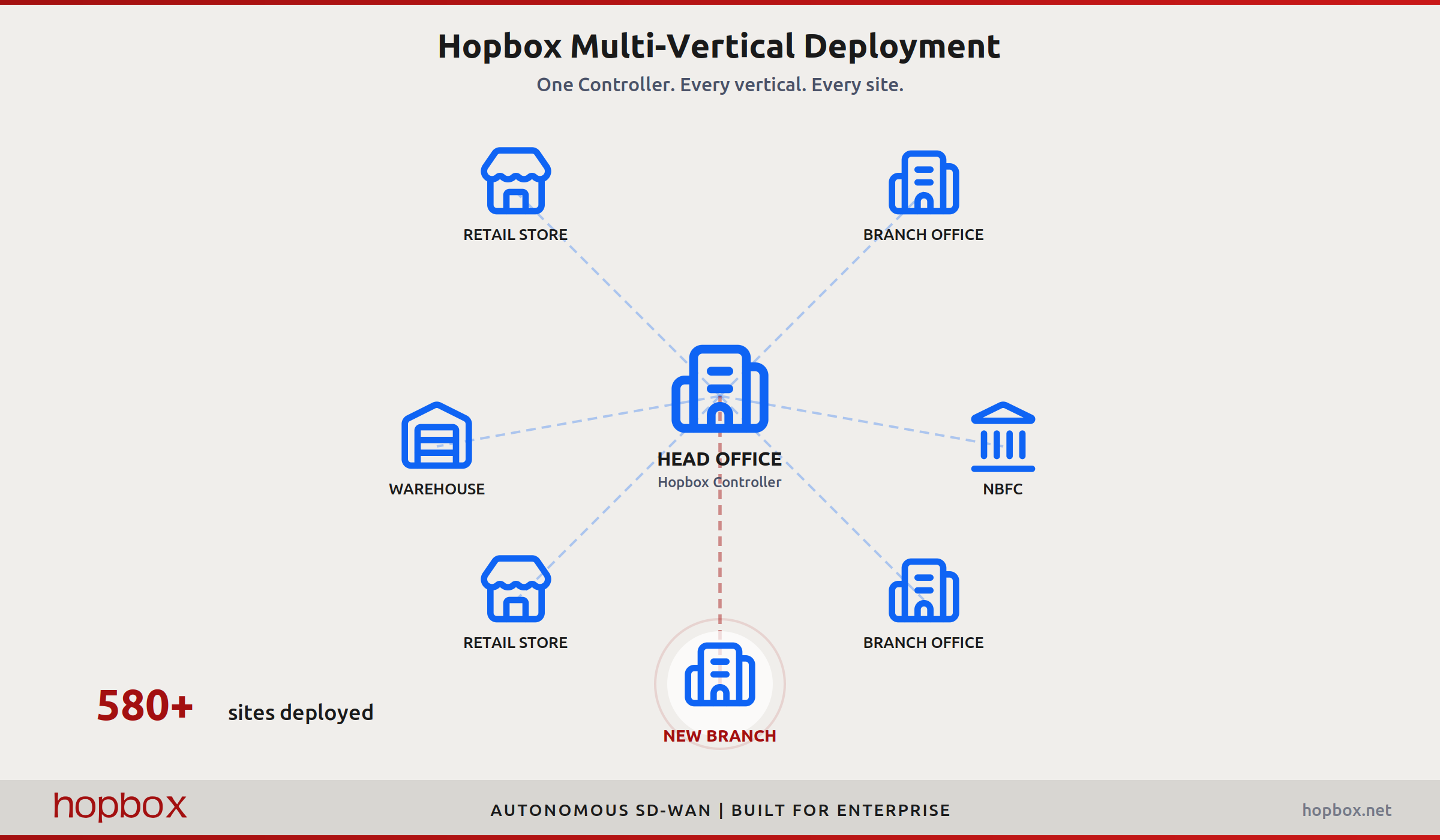
You sign a lease on a new location. You need it connected to your network. What follows is a familiar sequence: raise a ticket with the ISP, wait for the circuit, send an engineer, configure the router, set up VPN tunnels, add firewall rules, plug into the monitoring stack, test, troubleshoot, test again. Two to four weeks if everything goes right. Longer if it does not.
Multiply that across 50, 200, or 580 sites and you have a full-time job that never ends. Every new store, warehouse, branch office, or collection centre is the same process from scratch. The same delays. The same coordination overhead.
This is the problem Hopbox was built to solve.
Nowadays many enterprise DNS providers provide healthchecks based DNS failover solution, including from AWS Route 53. The premise of this is directing the traffic towards the available nodes only using the DNS authority chain for the records.
Managing authoritative and recursive name servers (i.e. DNS servers) at hopbox, has shown us a bunch of quirks and insights of domain name system.
Basic function of Domain Name System (DNS) is to translate domain names to IP and vice-versa. It’s the phonebook of the computer. Why you may ask, because human’s remember domain names easily, wikipedia.org is easier than 103.102.166.224 . The IP is then used by the computer to fetch required resource for us.